How to work with AI agents as a team: roles, handoffs and review
How we review and release AI-assisted work
Before publishing the Autophagy privacy page, we clarified that it covered iPad and made the description of how long fasting entries stay in history more precise. After release, we checked all nine public language versions. We use the same separation for client work: review the draft against the product, approve a specific version, then verify what the public actually sees.
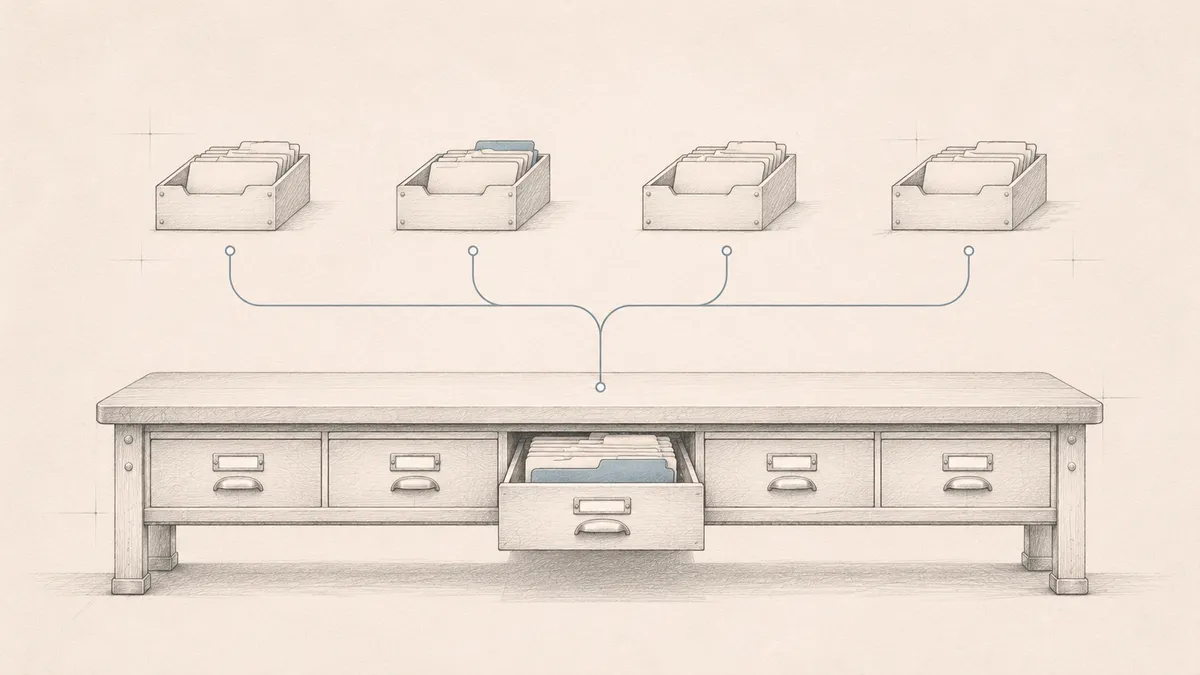
Keep each shared state under one writer. Our guide to a project assistant explains why two calls can damage the same session file and how to serialize them per chat. Implementation guide.
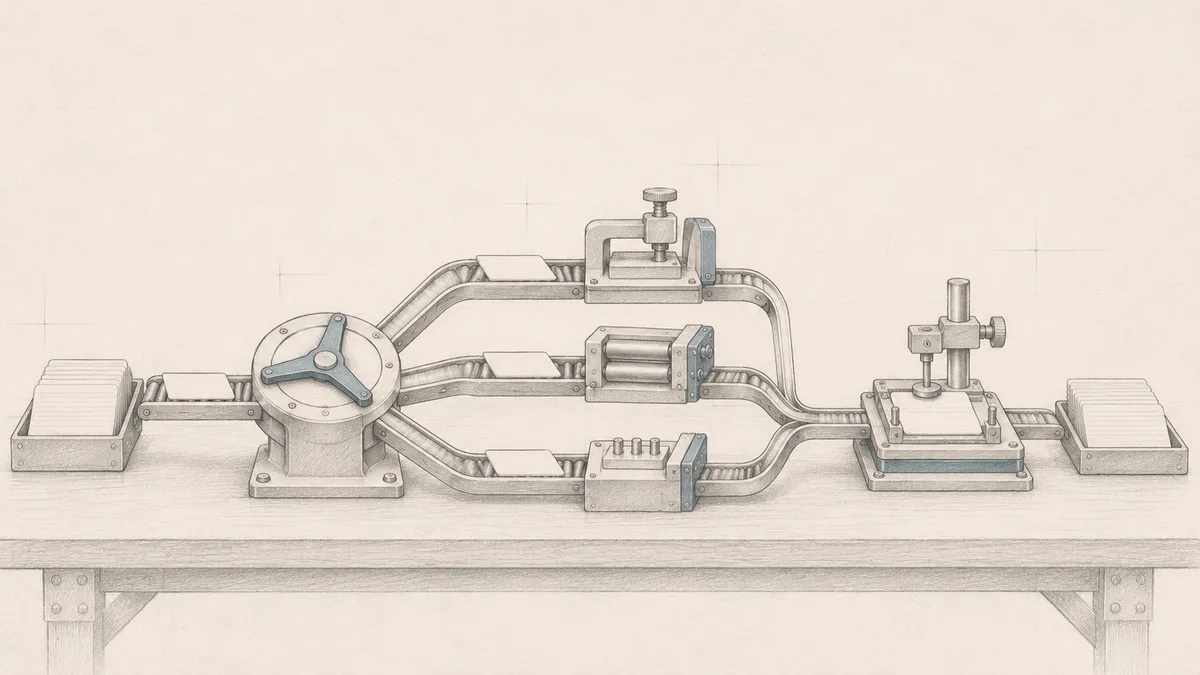
For one straightforward copy edit, use one agent and a quick human check. Add a second agent when it can examine something the first might miss against evidence you can name. Anthropic’s evaluator–optimizer pattern describes a generation and feedback loop that makes sense when evaluation criteria are clear and refinement has measurable value. That is a reason to test a separate review, not evidence that two agents will catch every mistake.
One person owns the state
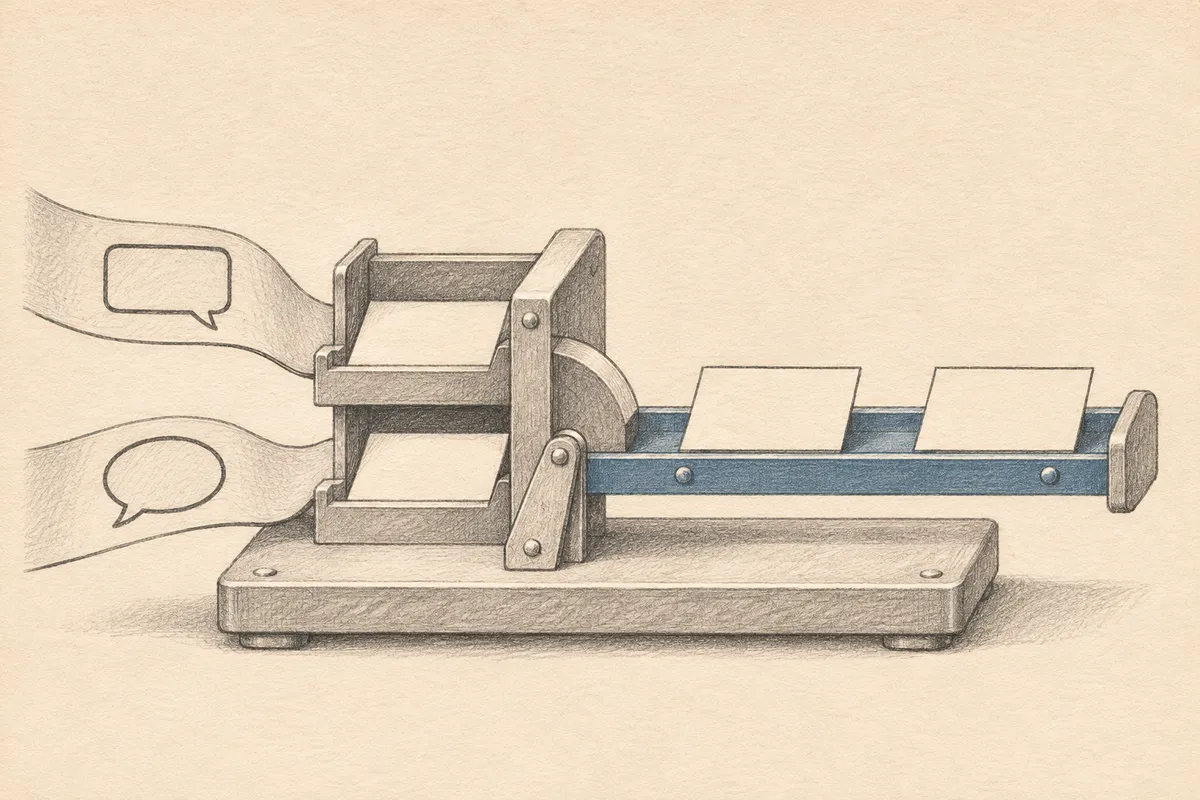
Name a human task owner who records the current version, moves the work between stages and resolves contradictory findings. The writer can edit only the assigned draft files. If more than one writer works in parallel, give each a separate file and designate one integrator. The reviewer can read the versioned draft and authoritative references and return findings, but cannot modify the draft or publish. Give release access to a designated approver; the owner may also be that approver if explicitly assigned.
The OpenAI Agents SDK orchestration guide distinguishes a manager that calls specialists and retains control from a handoff that makes the specialist the active agent for the rest of the turn. For this job, keep the owner in control and ask the reviewer for a bounded result. Calling something a handoff does not grant extra permissions. The SDK handoff documentation also notes that earlier history comes along by default unless configured otherwise. For this review, supply only the files, source and rubric needed.
A handoff with a failure path
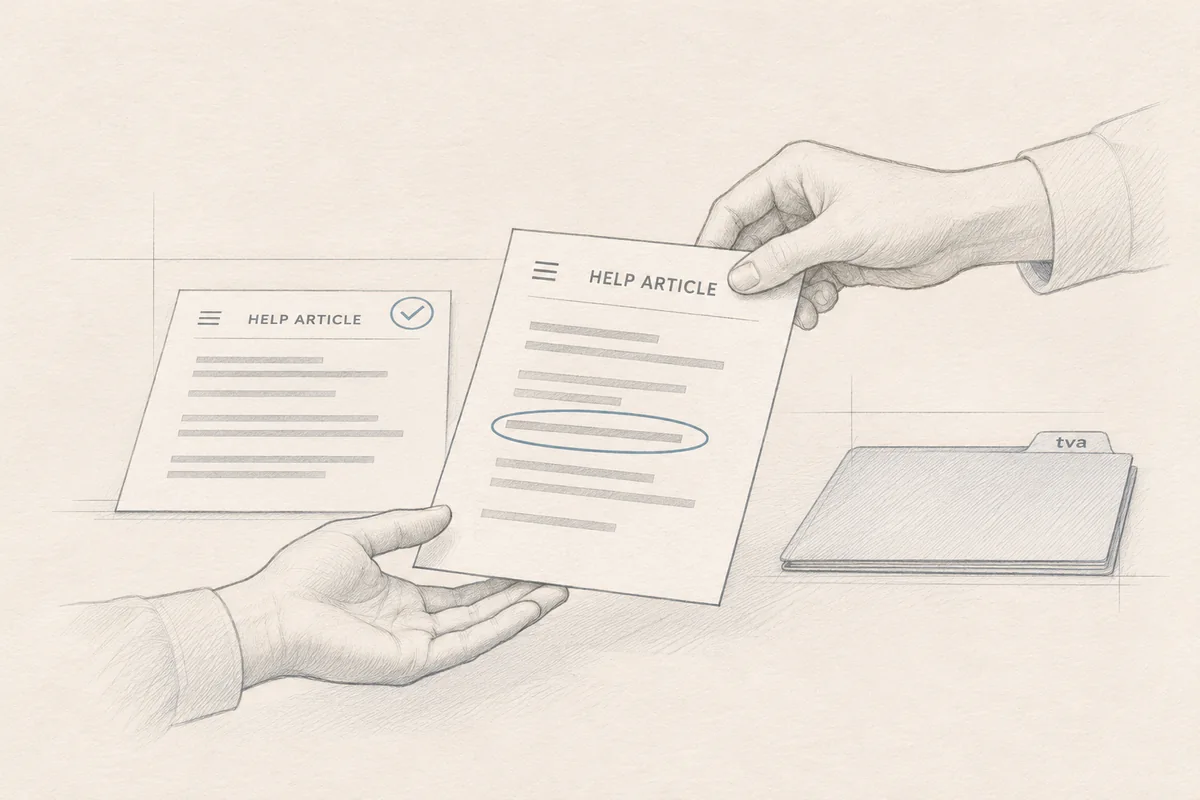
Consider this fictional example: a support team is updating a help page in English, German and Japanese. The product now sends users to Account Settings to start an export. The draft includes all three languages, but one still says to open the old Reports menu. Ask two agents to “update the help page” and you may get two rewrites with the same mistake. Now someone has to reconcile them, too.
Copy this brief: “HELP-17. Candidate: draft v2, EN/DE/JA. Source: approved help procedure r4. Check the three menu paths and the step order. Return PASS, NEEDS CHANGES or BLOCKED with file, step and source section. Read only; no publication.”
A usable finding is “NEEDS CHANGES; ja, step 2; draft v2 names Reports; r4 §2 says Account Settings.” The owner sends that finding back to the writer, who submits v3. Check the change and any dependent instructions. If r4 cannot be loaded, return BLOCKED rather than guessing. When checks pass, the owner records the exact candidate and requests approval for that version. A later edit voids that approval. GitHub’s pull request review decisions offer a familiar example of the difference between reviewing a change and acting on it. For the broader permission design, see how tva separates ability from authority and its reference architecture for AI operations.
Test whether review earns its place
Compare a single agent with self-check against a writer plus a fresh reviewer. Use the same model, source and cases. Include clean examples and planted faults: a stale menu, a missing locale and an inaccessible source. Track missed faults per planted fault, false alarms per clean case, total elapsed time and human rework minutes. Keep the extra stage only if it prevents meaningful misses at a cost the team can justify.