How to test an AI-assisted workflow: task brief and acceptance tests
Write the acceptance test before the prompt
At tva, we built a Python workflow to generate marketplace-specific Amazon listing files from one normalized product sheet. The script mapped columns and validated fields before export. We flagged entries that needed manual review and kept upload and review of the processing report in human hands. In our account of the flatfile workflow, we also describe why a clean processing report is not enough: live listing data needs to be compared with what was submitted. Those checks are where a straightforward export turns into a process a catalogue team can rely on.
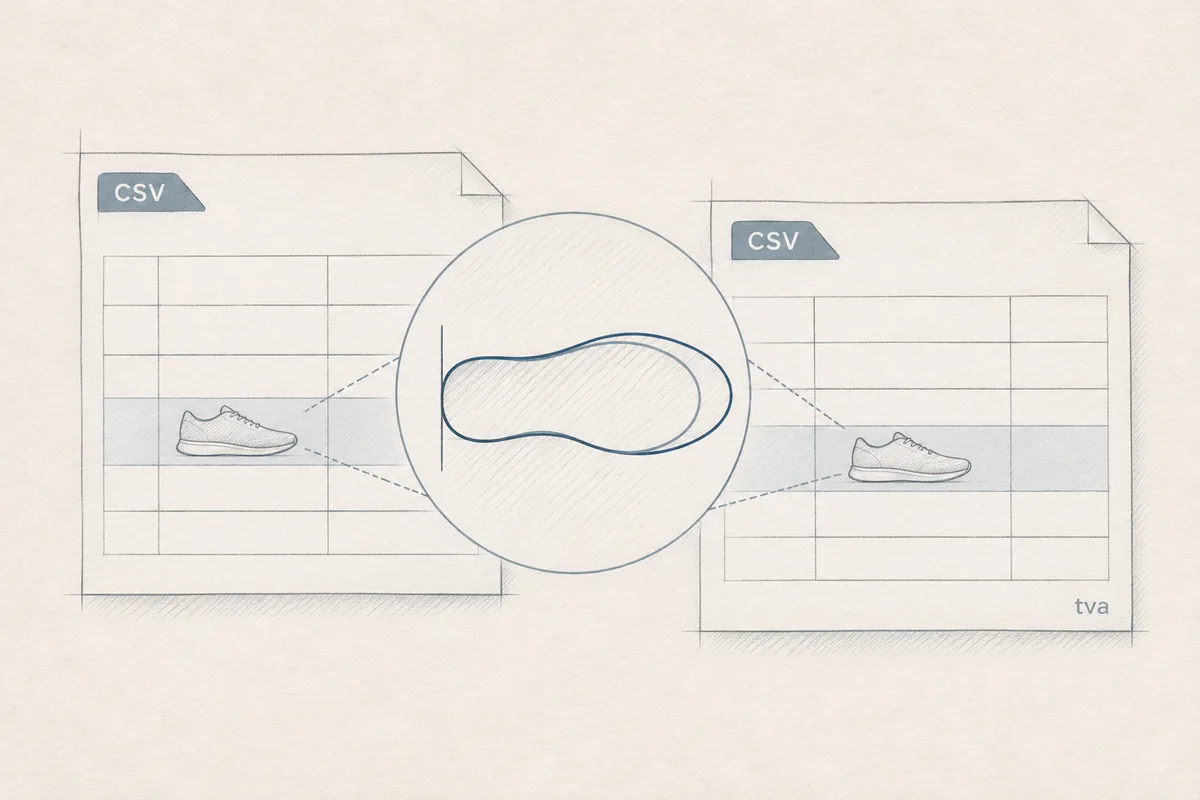
The same failure can occur in an AI-assisted comparison. In the test example below, an agent returns a formally valid report with zero differences, although one shoe measures 265 mm in the supplier file and 260 mm in the shop file. An empty list passes the schema check. The acceptance test catches the missed difference. The values and product codes are test data, not results from the marketplace project. For the design behind this separation, see where AI and rules fit in product data.
A filled-in task brief
Scope: compare length in millimetres for the same SKU in two read-only snapshots, supplier.csv and shop.csv, both for market DE and dated 2026-02-03. Pin both files by SHA-256 and record the versions of the parser, rules and approved column mapping. Treat row numbers as CSV record positions, counting the header as 1. Assume both inputs use integer millimetres; do not infer units or silently convert ambiguous values. In this small fixture each file contains exactly the same two SKUs. In the real job a missing SKU blocks the run rather than disappearing in an inner join.
Authority: a model can propose that the supplier column inner_length_mm maps to the shop column length_mm. A reviewer must check what the measurements mean against the field definitions and approve the mapping first; the validator reads that stored decision, not a fresh model answer. The W3C CSV metadata specification describes how a primary key identifies rows uniquely. Here SKU is the primary key in each file. Reject duplicates even if both copies have the same value. No component gets write access to the catalogue.
Two rows in each file, one difference out
Supplier fixture (sku, inner_length_mm): row 2 = S09,265; row 3 = S02,240. Shop fixture (sku, length_mm): row 2 = S02,240; row 3 = S09,260. Expected output: exactly one discrepancy with sku=S09, field=length_mm, supplier=265, shop=260, supplier_row=2, shop_row=3. Keep file identifiers in the run manifest and sort discrepancies by SKU and field using a fixed ordering. Keep run timestamps outside the report you compare, so a rerun with the same inputs and versions can match it byte for byte.
The JSON Schema object reference explains how to require fields and disallow extras. Validate report shape separately from values: a correctly shaped row with supplier=260 would still be wrong. OpenAI’s Structured Outputs documentation likewise cautions that schema-conforming responses can contain mistakes. The acceptance test reads both files and compares the exact expected report; a model does not grade its own answer.
Make failure visible
First, assert the exact report above. Then change shop S09 to 265 in a separate test copy and expect a successful empty list. If duplicate S09 is added instead, expect DUPLICATE_SKU and no report for handoff. A missing required column, unknown SKU or unapproved mapping also blocks handoff. Keep these inputs and expected results as regression tests and run them when parsing, mapping or rules change. Once the actual comparison passes, give the owner the report and its manifest. Whether a supplier value should replace a shop value is a separate decision, with its own permission boundary. See authority before autonomy.
We bring that same sequence to client projects: agree which data is authoritative, build the read-only comparison, and run acceptance tests against the condition that actually matters. We leave the catalogue team a repeatable check and a report it can act on. Any change to live product data remains a separate decision with its own approval.