Project handoff template: how to transfer work in progress
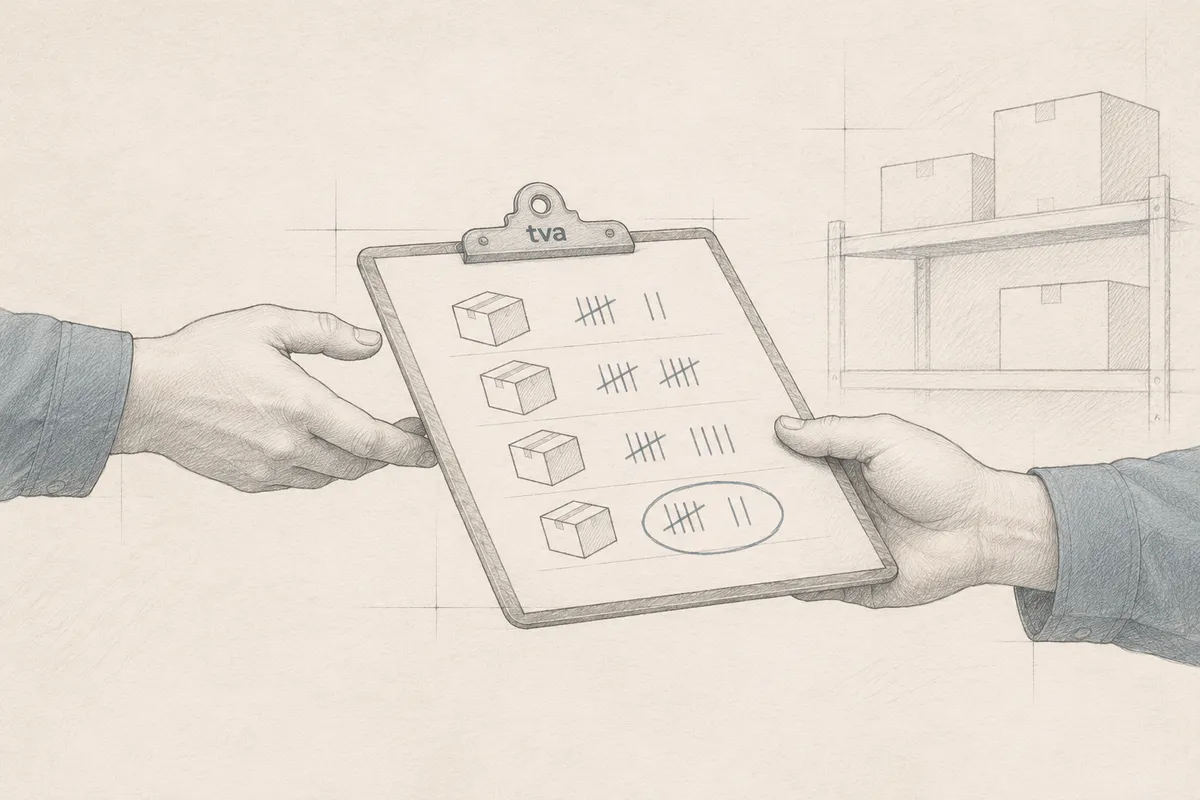
Hand over the next decision
When a warehouse and an online shop report different stock levels, we start by comparing figures for the same point in time and checking what each system counts. We then use one shared record to specify who owns the reconciliation, who can update the shop quantity and who can approve the promotion. We put this into practice for clients in the workflows and tools they already use. We built tva-fetch for our own Amazon operations to record inventory levels and adjustments. The template below shows how it works across two projects: one updating a product page, the other planning a promotion. The warehouse reports 19 units and the shop shows 17 available. The figures are illustrative.
Use one dated handoff record and link it from both project tickets. NASA’s guide to knowledge transfer during transitions recommends reviewing commitments and making responsibilities visible when a departing role is split among people. For a mid-project handoff, we’d use the same idea on a smaller scale: one owner to verify the evidence, then a named decision-maker for each project that relies on it.
A six-field project handoff template, filled in
Copy the six field names into your issue tracker. The entries below show the level of detail to keep. Link to exact exports or revisions in your own record rather than to a folder named “latest.”
1. Scope and expected result: one verified sellable quantity for item K-17, warehouse W1, at 4 November, 00:15 UTC. Both projects link to record H-07.
2. Evidence and gap: the shop reports 17 sellable units at 00:15 UTC. The warehouse file reports 19 physical units at 00:15 CET. That equals 23:15 UTC on 3 November: the snapshots are 60 minutes apart. The reports also count different things. Use the source’s inventory “as of” timestamp; the file creation time is not a substitute.
3. Next owner and state: waiting for the warehouse analyst to send a same-cutoff export and reservation log. The inventory lead owns the reconciliation and records when the actual comparison starts.
4. Checkpoint and escalation: if either file is missing at 09:30 UTC, the inventory lead contacts the warehouse and marks both projects as blocked on this decision. The shop keeps its current value and the campaign stays paused.
5. Evidence required to close: attach both inputs and the reconciliation for the same item, warehouse and cutoff. Establish whether reservations have already been deducted. If 19 physical units minus 2 outstanding reservations gives 17 sellable units at that cutoff, the unexplained difference is zero. Otherwise keep the check open.
6. Decisions and permissions: the shop owner may retain 17 only after confirming that the current shop value still matches fresh evidence. The campaign owner keeps the promotion paused because its minimum is 20. The inventory lead records both decisions and their time; approval for one project does not clear the other.
Make the decision reusable
Record the choice, supporting evidence and what would invalidate it. The UK Government Digital Service decision-record framework calls for dating architectural decisions and retaining their status, context, consequences and supporting material. Field six borrows that approach for operational decisions; it is our adapted template, not a GDS requirement.
A quick test: give H-07 to someone who wasn’t involved. Can they open the two dated inputs, explain the 60-minute mismatch, and say what happens at 09:30 UTC if nothing arrives? For repeatable checks across runs, see our guide to reproducible marketplace decisions. If an assistant also needs to switch reliably among projects, our thread-based operations architecture covers how to separate those working contexts.