Marketplace Finder: shortlist platforms for your target market
Start with the market, not the platform name
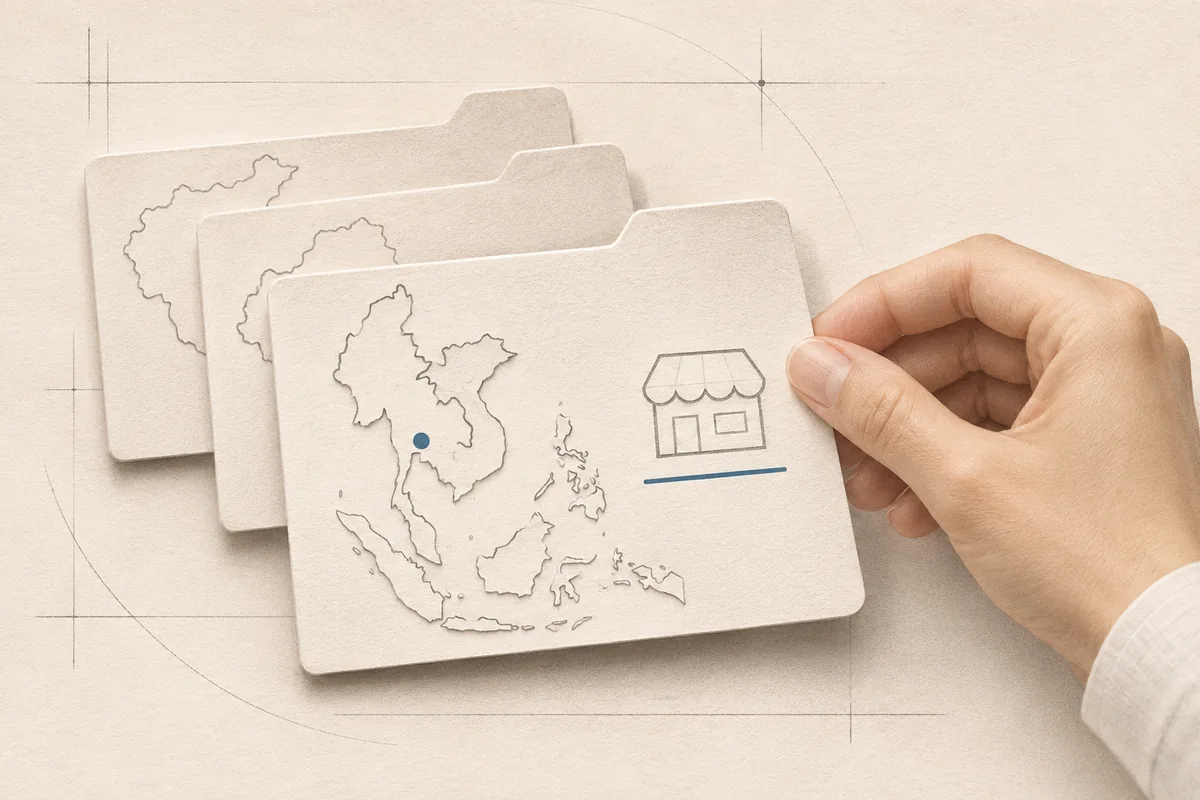
An international launch rarely starts with a brand name. It starts with a country, a product category and the legal entity that will sell. We built the Marketplace Finder to bring those decisions together before investing in onboarding or integration. Each marketplace has one profile; the countries and sales channels documented for it sit inside that profile.
Open the filter panel, select one or more sales markets and then add the category or where your company is registered. The results show platform profiles, not a separate card for each country. Start broad and narrow only where the criterion affects the decision.
Example: suitable to ship to Singapore is not the same as local seller access
Set Singapore as the sales market. The Fruugo profile demonstrates the distinction: Fruugo lists Singapore as a selectable destination in its published list of countries. That does not make it a separate Singapore marketplace or establish that a particular seller is approved.
The Shopee profile documents a platform with a Singapore sales channel. Shopee’s terms of service cover, among other things, fees for some cross-border sellers. The existence of the channel or the fee does not tell you whether your entity, category and fulfilment arrangement qualify.
Turn a profile into a pilot checklist
Record the target country and legal entity. Check the seller application for that market and the restrictions for your product category. Then check which system will own the listing, stock, order and return data, and whether the account exposes the functionality you need.
If you need a full catalogue, the A–Z directory lists profiles A–Z. For a first launch, use the profiles to narrow the field, then verify one order and one return before connecting more of the catalogue. A documented path is a starting point, not a promise of access.